
Instagram Bio Downloader
wait...
What Is Instagram Bio Downloader?
To expand your presence on Instagram, it is just as essential to have an engaging bio as it is to have a profile yourself.
If your objective is to increase the growth of your profile and you are looking for the ideal Bio but need clarification on how to write an impressive one, you can discover that you are forced to settle for a generic bio.
This often occurs when you encounter great bios on Instagram, and the app does not let you do this alone. As a result, you lose the chance to modify them for your profile.
But we have a wonderful gift for you! There are some tools that Shokogram is one of them, a multifunctional website that provides a collection of solutions for those times when downloading stuff from Instagram, such as Bio, seems complicated.
A few simple steps are required to get the Bio that piqued your interest: change it to reflect your unique personality, and then effortlessly incorporate it into your profile.
This user-friendly website assures you will never have to relinquish the ideal bio-inspiration again.
Shokogram.com allows you to download everything you want from Instagram freely, quickly, and without registration, then enjoy it whenever you want, wherever you are, and even when you are not connected to the internet.
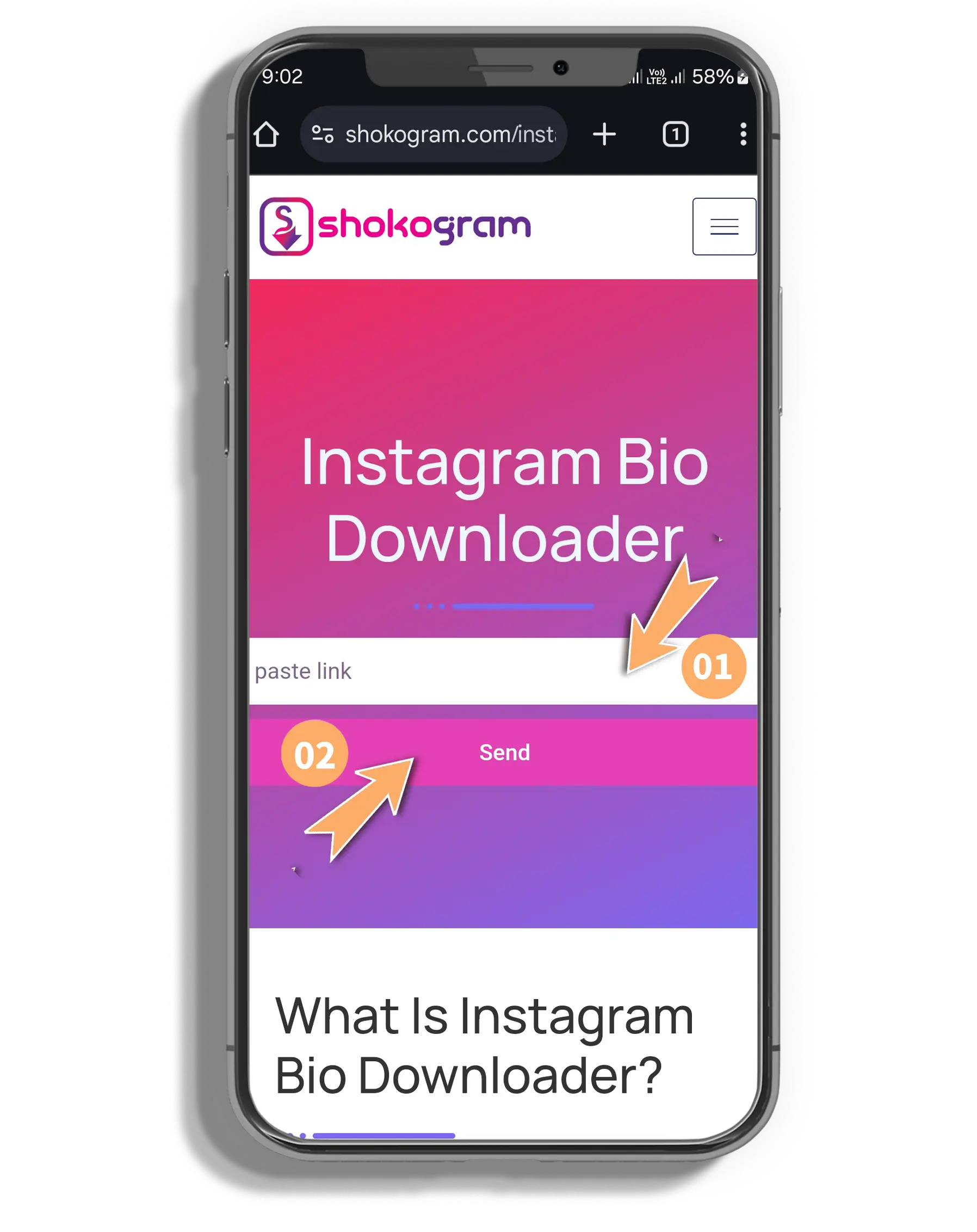
Instagram copy Bio with Shokogram.
To get the most out of the Shokogram program, which allows you to download and copy Instagram bios, you need to make sure that you follow the guidelines that are provided below:
Discover the Profile You Want
To begin, run the Instagram app on your device or go to the Instagram website. Use the search function to locate the profile from which you want the Bio.
Copy the Profile Link or Username
Finding the three dots vertically arranged in the top right corner of the profile page is the first step in copying the username or the link to the profile. Click on these dots and select "Copy Profile URL." You also have the option of going ahead and writing down the username.
Paste the Profile Link or Username that was copied
To access Shokogram.com, open your computer browser and go towards it. Once there, you can input the username or URL you copied into the proper search form.
Download the Instagram Bio
Press the search icon to begin the steps of processing your request and begin the download of your Bio. You can copy the Bio for your use as soon as it appears below the search box.
Shokogram is the best copy caption. Why?
If you select to copy the Bio from Instagram, the Shokogram tool will make the following set of features accessible to you via its implementation:
User-Friendly Interface
Users can easily explore and utilize Shokogram because of its simple UI. This accessibility lets even non-technical users obtain Instagram Bios easily.
Speed & Efficiency
Shokogram quickly searches and downloads, reducing user wait time. This efficiency helps copy many Instagram Bios or operate under time restrictions.
Free to Use
This site is free to use, making it accessible to many. More Instagram copy Bios utilize the program since no hidden costs or subscriptions exist.
No registration needs
The simplicity of not having to form an account or log in to Shokogram's features is appreciated. This saves time and enhances privacy and security by not sharing personal information.